Creating a productive and comfortable home office space is essential for anyone working remotely or managing tasks from home. A well-designed workspace can help improve focus, decrease stress, and increase overall job satisfaction. Whether you have a dedicated room or a small corner in your living area, these tips will guide you in making your home office both functional and inviting.
Choose the Right Location
Consider Natural Light
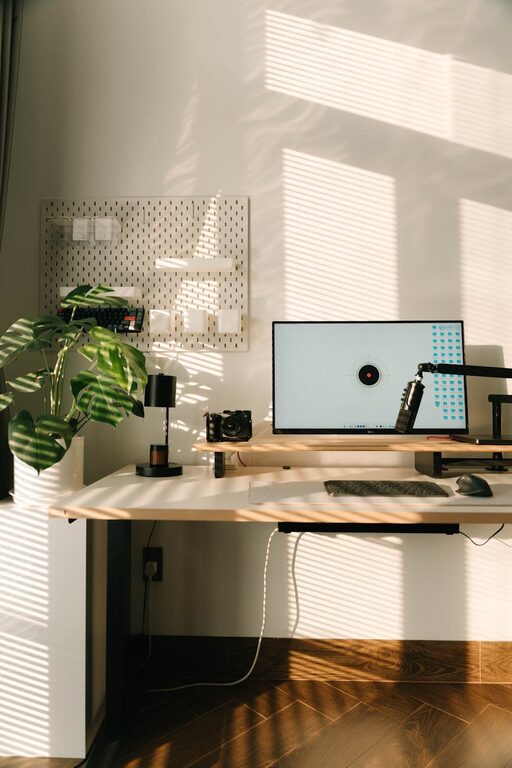
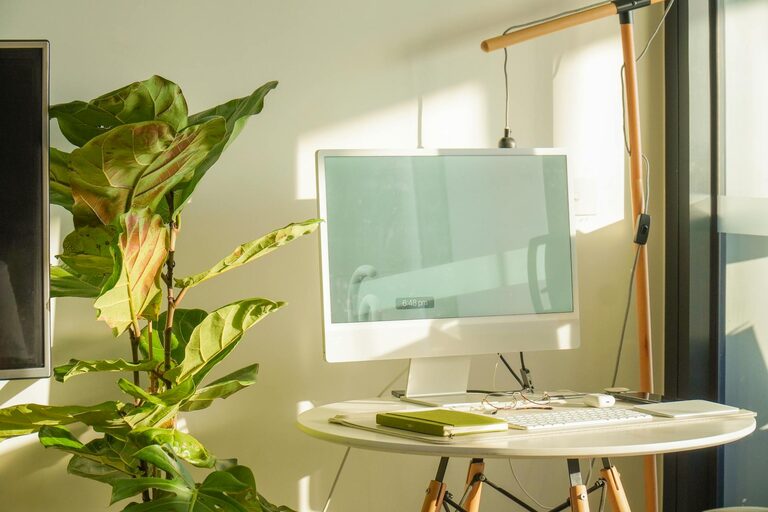
Select a spot with ample natural light if possible. Natural light helps reduce eye strain and enhances mood, making it easier to stay alert and motivated during the day.
Minimise Distractions
Pick a quiet area away from high-traffic zones in your home. This will help you concentrate better and maintain a professional atmosphere during video calls and meetings.
Invest in Ergonomic Furniture
Comfortable Chair
A good office chair with adjustable height, lumbar support, and sufficient cushioning is crucial. Sitting for long periods should not cause discomfort or poor posture.
Suitable Desk
Ensure your desk has enough surface area for your laptop, monitor, keyboard, and other essentials. Adjustable desks that allow standing and sitting are also worth considering for variety.
Organise Your Workspace
Declutter Regularly
Keep only the necessary items on your desk to reduce distractions. Use drawers, shelves, or organisers to store supplies neatly.
Cable Management
Tidy cables with clips, sleeves, or cable trays to avoid a tangled mess. This not only looks better but also prevents accidents or damage to your devices.
Create a Pleasant Atmosphere
Personal Touches
Add a few personal items such as photos, plants, or artwork to make your workspace enjoyable. However, avoid overcrowding your desk to keep the area professional and organised.
Proper Lighting
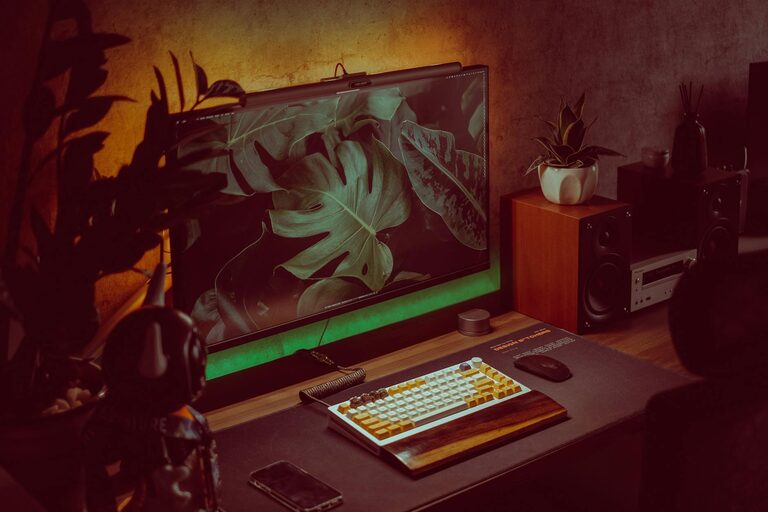
Supplement natural light with adjustable desk lamps or overhead lights. Aim for warm, soft lighting to reduce eye strain, especially during evening work hours.
Optimise Technology and Accessories
Reliable Internet Connection
A stable and fast internet connection is essential for smooth remote work. Consider upgrading your router or using a wired connection for better stability.
Essential Tools
Make sure your computer, keyboard, mouse, and any other equipment are comfortable and responsive. Noise-cancelling headphones can also help reduce background noise during meetings.
Establish Boundaries and Routine
Dedicated Work Hours
Set clear working hours to separate professional tasks from personal time. Inform family members or housemates about your schedule to minimise interruptions.
Take Breaks
Incorporate short breaks to stretch, move around, or relax your eyes. Regular breaks improve focus and reduce fatigue over long working hours.
Maintain Good Air Quality
Ventilation
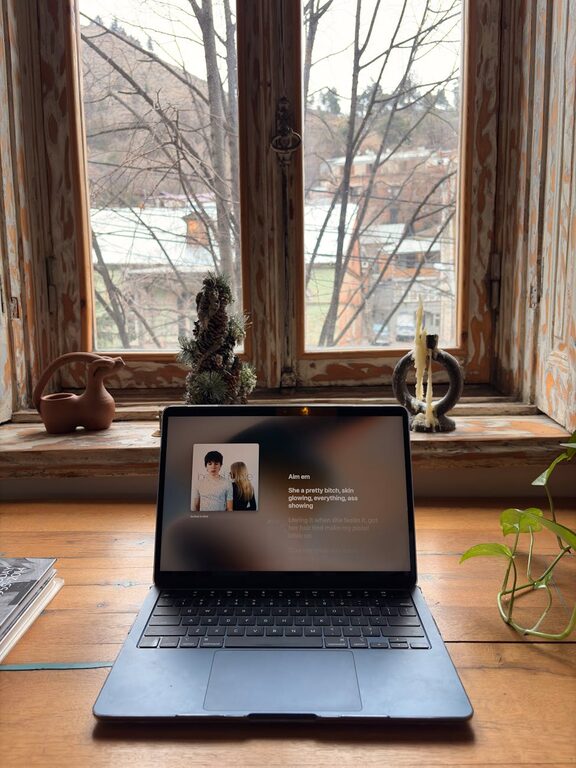
If possible, work near a window to allow fresh air circulation. Poor air quality can reduce concentration and affect your overall wellbeing.
Indoor Plants
Include a few easy-to-care-for plants to improve air quality and add a touch of nature to your office. Plants also help lower stress and boost creativity.
Keep a Healthy Balance
Stay Hydrated
Keep a bottle of water at your desk and drink regularly throughout the day.
Healthy Snacks
Opt for nutritious snacks like nuts or fruit to maintain energy without feeling sluggish.
Final Thoughts
Creating a home office that balances productivity and comfort doesn’t have to be difficult. By choosing the right location, investing in ergonomic furniture, organising your space, and adding personal touches, you can build an environment that supports your work and overall wellbeing.
Remember, small changes can make a big difference. Experiment to find what works best for you and don’t hesitate to update your setup as your needs evolve. A comfortable and efficient home office is a valuable asset to your daily productivity and job satisfaction.
About the Author