Creating a home workspace that is both relaxing and productive can make a significant difference to your workday. Whether you work from home full-time or occasionally, having a dedicated area that helps you focus without feeling stressed is essential. In this guide, we will explore practical tips to help you set up a workspace that promotes concentration, comfort, and well-being.
1. Choose the Right Location
Consider Natural Light
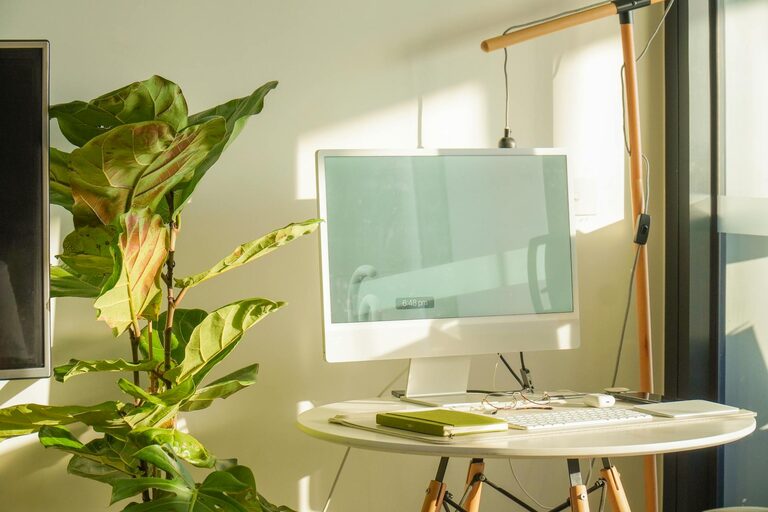
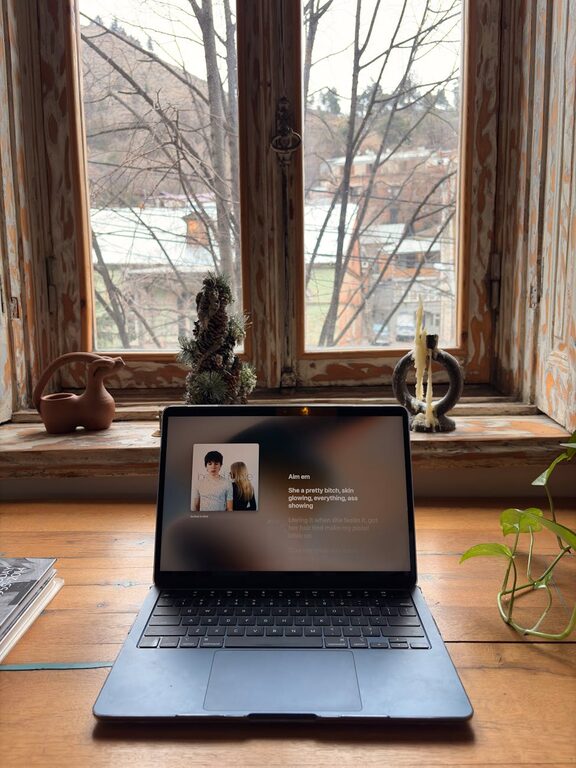
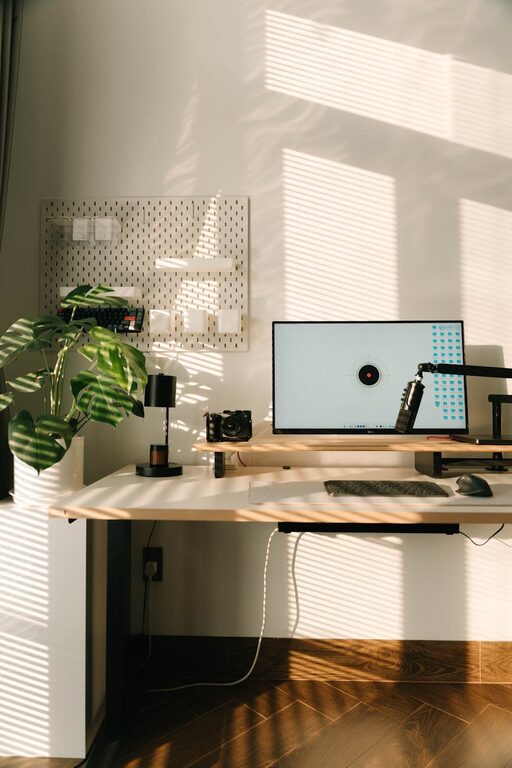
Natural light has a positive effect on mood and alertness, so try to position your desk near a window if possible. This will help reduce eye strain and keep you energised throughout the day. Avoid placing your screen directly opposite bright light sources to prevent glare.
Find a Quiet Spot
Select a space where you are least likely to be disturbed by household noise or distractions. This could be a spare room, a quiet corner, or a section of your living room. If this isn’t an option, consider using noise-cancelling headphones or a white noise machine to create a calm atmosphere.
2. Invest in Comfortable Furniture
Ergonomic Chair and Desk
Choosing an ergonomic chair is crucial to support your posture and prevent back pain during long working hours. Your desk should be at a comfortable height, allowing your arms to rest naturally while typing. Adjustable furniture can help accommodate different activities, such as writing or reading.
Organised Layout
Keep your workspace tidy by using shelves, drawers, or organisers to store documents and office supplies. A clutter-free area not only looks better but also helps reduce stress and allows you to concentrate more easily.
3. Enhance Your Workspace with Personal Touches
Calming Colours
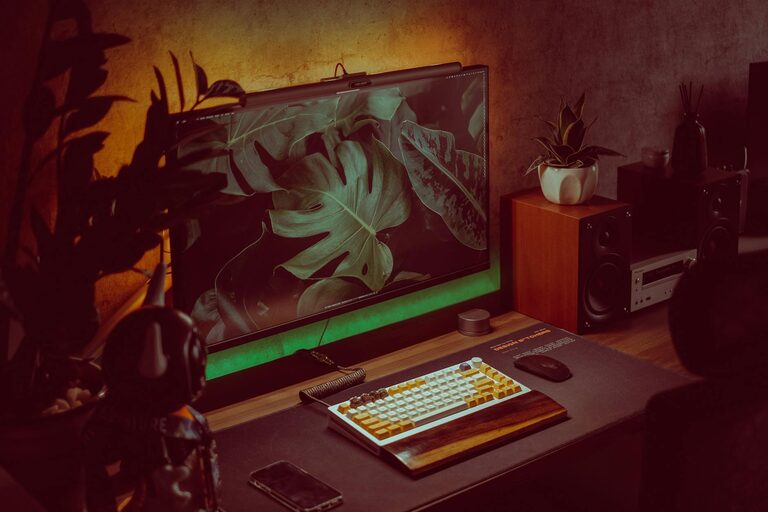
Colours can influence your mood; soft blues, greens, or neutral tones are known to create a relaxing environment. Choose paint or accessories that soothe rather than stimulate for a balanced space.
Personal Items
Adding a few meaningful items like plants, artwork, or photos can make your workspace feel welcoming without overloading it. Plants, in particular, improve air quality and add a touch of nature, which can be particularly calming.
4. Optimise Lighting and Screen Setup
Use Task Lighting
Even if your workspace benefits from plenty of daylight, additional lighting is essential for late afternoons or overcast days. A desk lamp with adjustable brightness helps reduce eye strain and keeps your workspace well-lit.
Position Your Screen Correctly
Your computer screen should be at eye level and about an arm’s length away from you. This setup helps prevent neck and eye discomfort. Regularly adjusting your monitor or using a stand can improve your posture and comfort.
5. Manage Technology Efficiently
Keep Wires Tidy
Tangled wires can create unnecessary distractions. Use cable organisers or clips to keep cords neatly arranged and out of the way. This not only looks cleaner but also reduces the risk of accidental unplugging or damage.
Have Useful Gadgets Handy
Depending on your work, consider having accessories like a wireless keyboard, a mouse, or a second monitor to improve productivity. Additionally, a good-quality headset might be beneficial for virtual meetings and calls.
6. Incorporate Break Spaces and Movement
Take Regular Breaks
Even with a perfect setup, sitting continuously is not healthy. Use techniques like the Pomodoro method (working for 25 minutes, then resting for 5) to keep your mind fresh. Stretch or walk around during breaks to reduce tension.
Allocate a Relaxation Zone
If space allows, have a spot near your workspace where you can relax for a few minutes. This might be a comfortable chair, a cushion, or simply a corner with your favourite book or meditation app. Separating work and relaxation areas helps create a better balance.
7. Control Temperature and Air Quality
Maintain a Comfortable Temperature
A room that is too hot or too cold can distract you from work. Use fans, heating units, or open windows to regulate the temperature as needed.
Improve Air Circulation
Fresh air increases alertness and reduces fatigue. If you cannot open windows, an air purifier or even some houseplants can help improve indoor air quality.
8. Set Boundaries and Routine
Define Work Hours
To keep your home life balanced, establish clear work hours and communicate them with others in your household. This helps reduce interruptions and supports a healthier work-life balance.
Daily Preparation
Begin your day by organising your workspace and making a simple to-do list. Having a clear plan reduces wasted time and sets a productive tone.
—
Creating a relaxing and productive home workspace does not require a large budget or extensive renovations. By paying attention to light, comfort, organisation, and atmosphere, you can design an environment that supports your best work while keeping stress levels low. With a few thoughtful adjustments, your home office can become a place you truly enjoy spending time in.
About the Author